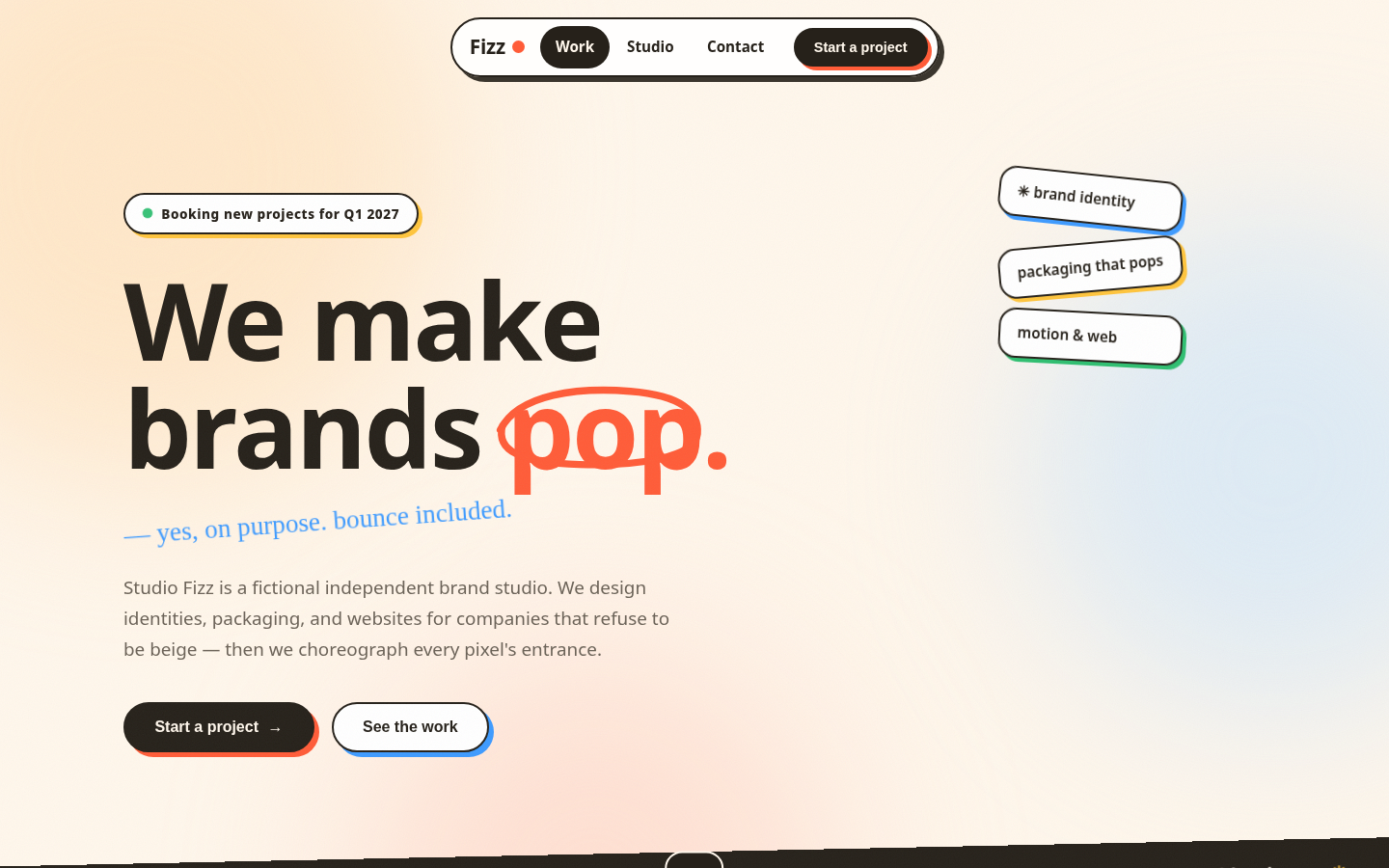
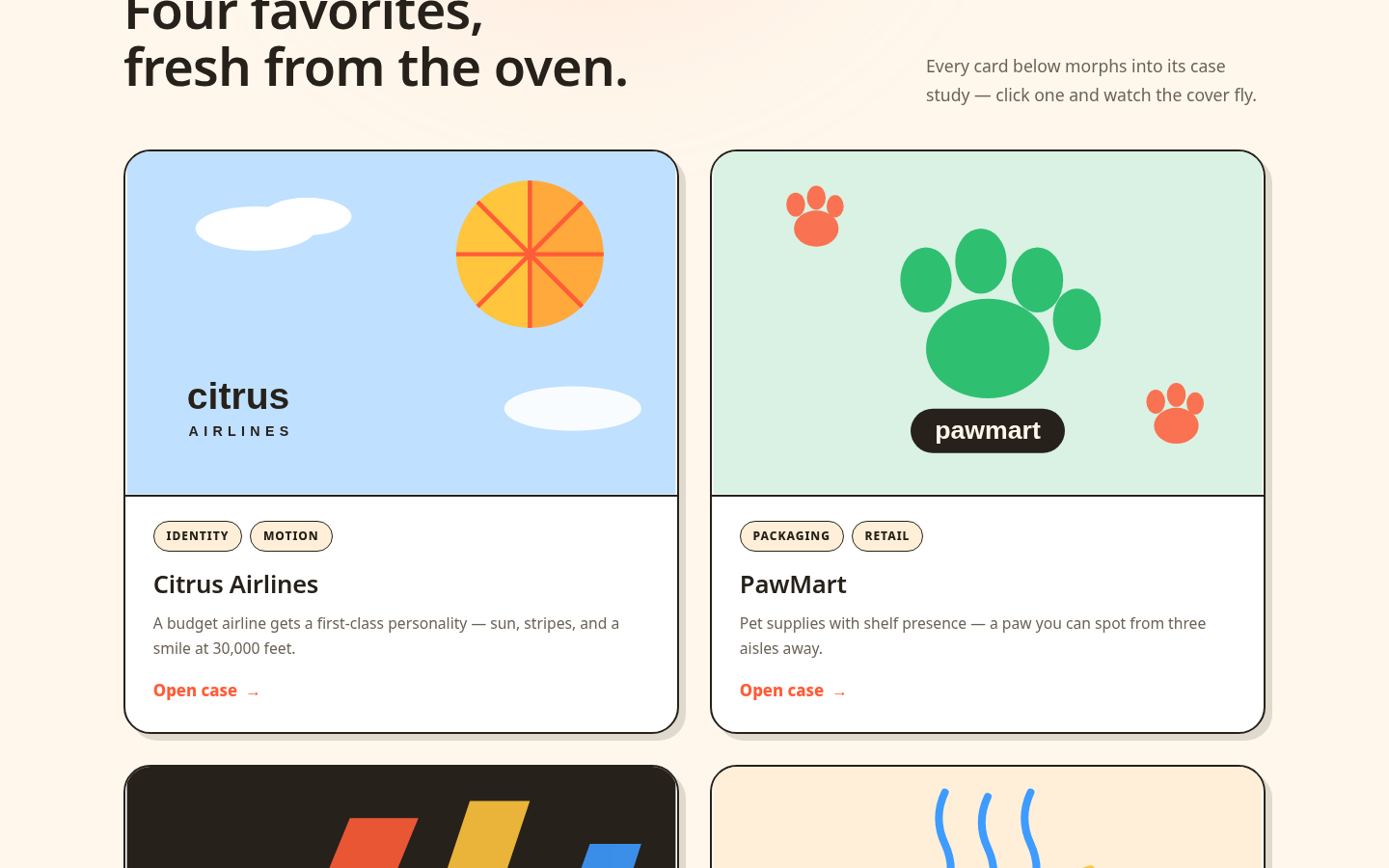
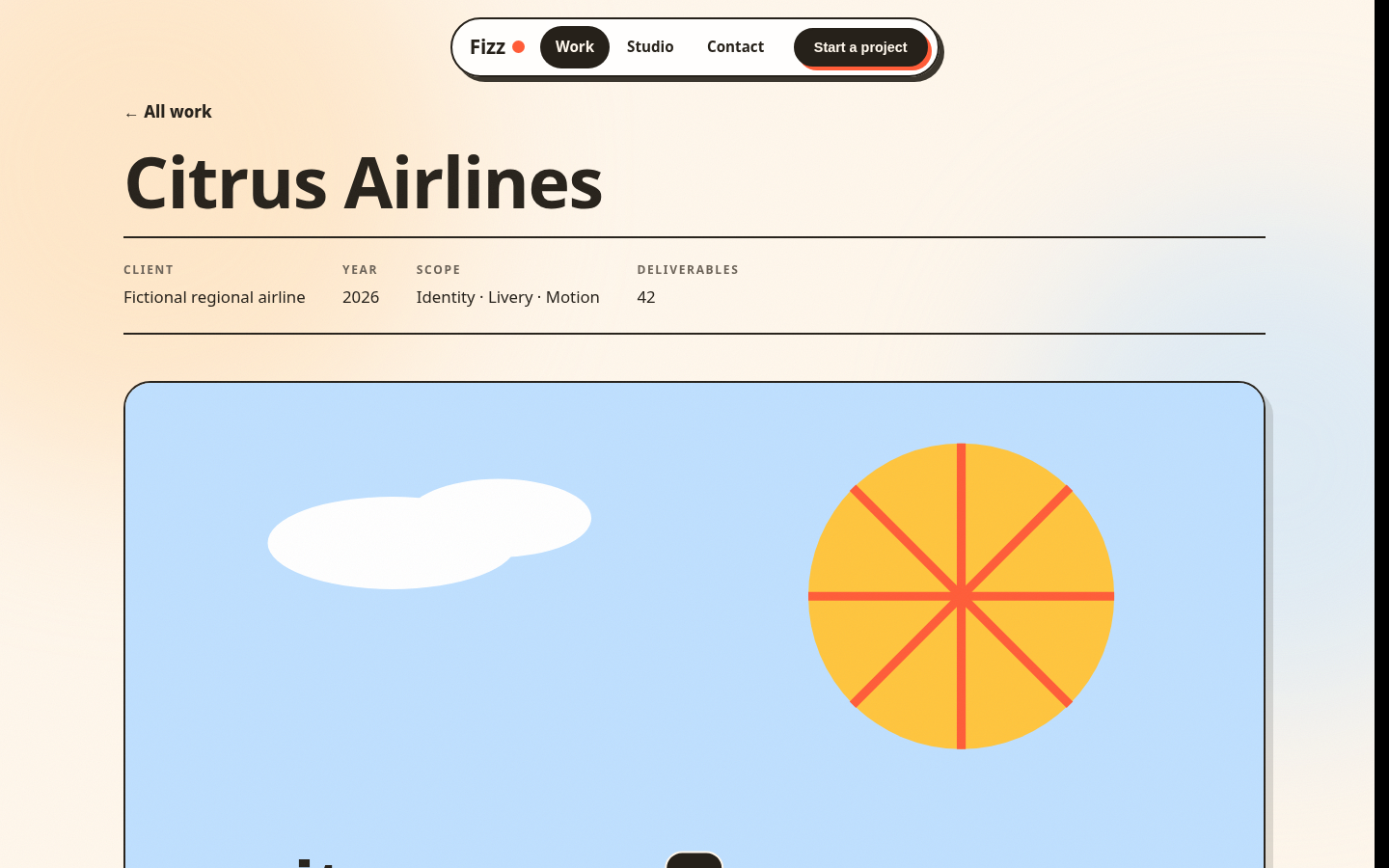
Design page-transition systems for multi-view websites: orchestrated crossfades, directional slides, shared-element morphs (View Transitions API + FLIP fallback), curtain wipes, blur dissolves, bouncy brand moments, and loading orchestration — every recipe with exact trigger, duration/easing, and copy-paste vanilla code.
Design a page-transition system for my portfolio site: use an orchestrated crossfade for the home view, a directional slide between work projects, and a shared-element morph (View Transitions API + FLIP fallback) when opening a case study — give me exact triggers, durations/easings, and copy-paste vanilla code for each.
What you get
- A complete page-transition animation system for multi-view websites: 12+ transition recipes (orchestrated crossfades, directional slides, shared-element morphs via View Transitions API + FLIP fallback, curtain wipes, blur dissolves, bouncy brand moments, loading orchestration) — each with exact trigger, duration/easing values, and copy-paste vanilla HTML/CSS/JS code, plus a live portfolio demo showcasing every pattern.
Good fit
- Designers and front-end developers building multi-page websites, SPAs, or portfolios who want cinematic, brand-consistent navigation without a framework — you want recipes you can copy, tune, and ship today.
Not for
- Single-page sites with no real navigation, native mobile apps, or performance-critical flows where every millisecond counts — if transitions would hurt perceived speed, skip them.
- Name
- Page Transition UI
- Downloads
- 0
- Category
- Design
- Skills inside
- 1
Download & install
What's new: Initial release: page-transition animation system with portfolio demo
Free for signed-in users.
1. Download the ZIP
Use the button above to download the packaged skill. It contains the SKILL.md plus all supporting files.
2. Unzip into your agent's skills folder
Extract the archive so that SKILL.md sits directly inside a folder named after the skill:
unzip page-transition-ui-v1.0.0.zip -d ~/.claude/skills/page-transition-ui/Skills folder per agent
- Claude Code
- ~/.claude/skills
- Cursor
- ~/.cursor/skills
- Codex
- ~/.codex/skills
- GitHub Copilot
- ~/.copilot/skills
3. Restart your agent
Your agent picks up the new skill automatically on next launch. Ask it what it can do.
Like this free skill? Premium unlocks 35 exclusive skills.
One subscription unlocks every premium skill, prompt and pack — plus all future drops.
Reviews
Related skills
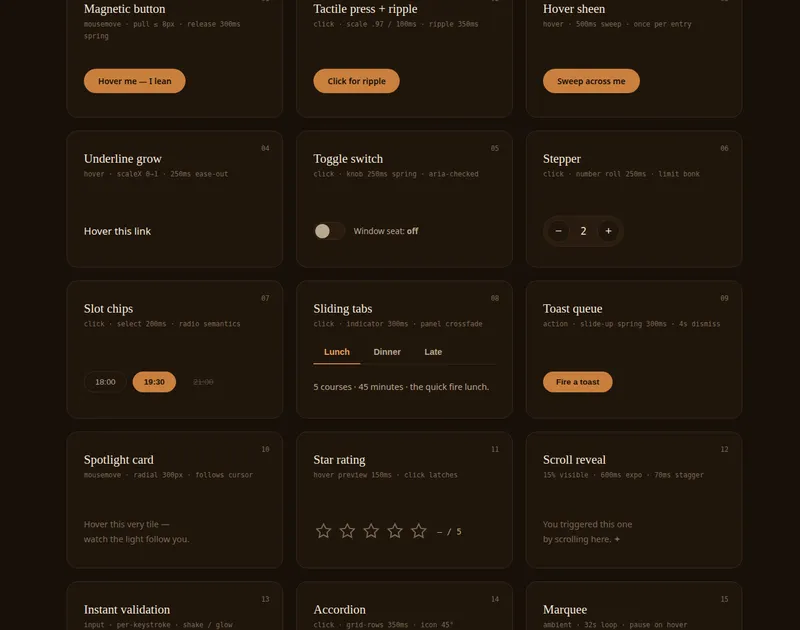
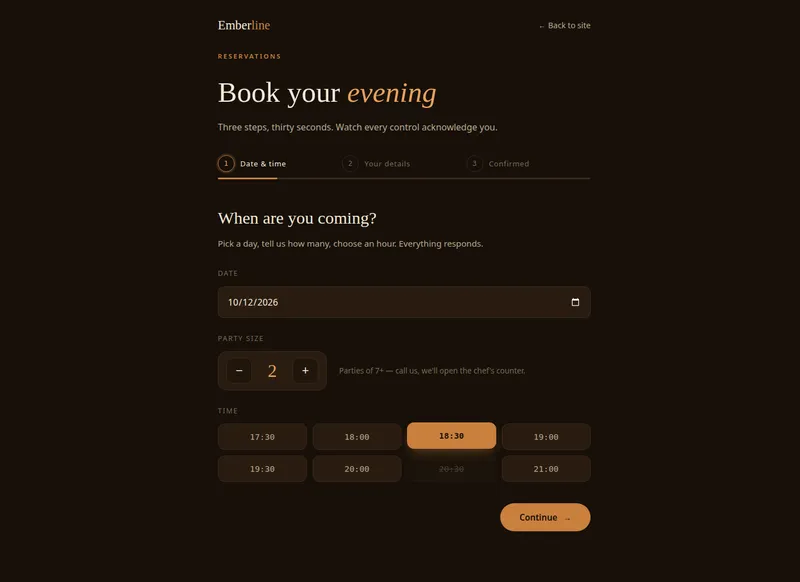
Micro Interaction UI
Micro Interaction UI
A micro-interaction motion pattern library for AI agents: 16 production-ready web animation patterns — magnetic buttons, scroll narratives, 3D tilt cards, marquee counters, and more — with copy-paste code and live demos.
Claude Code · Codex · Cursor · Copilot +3


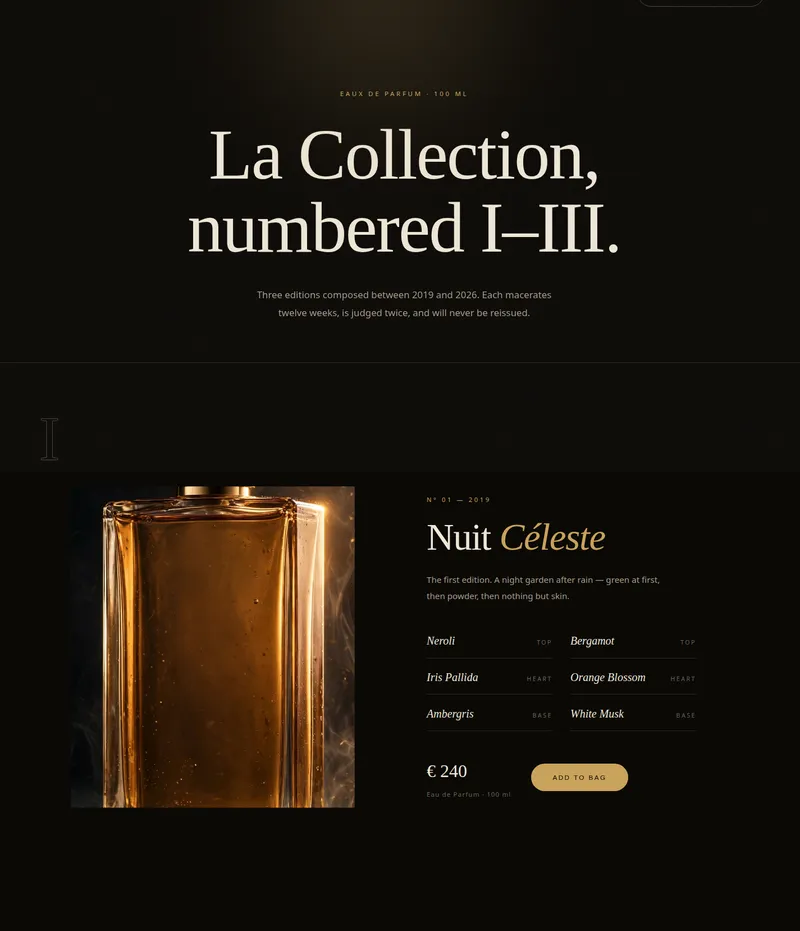
Hero Sequence UI
Hero Sequence UI
Cinematic animated hero sequences: masked line reveals, character stagger, kinetic typography on scroll, load choreography, and ambient background motion for luxury-grade landing pages.
Claude Code · Codex · Cursor · Copilot +3

Emil Kowalski Design Skills
Emil Kowalski Design Skills
Give your coding agent taste. 11 design-engineering skills from Emil Kowalski (ex-Vercel, ex-Linear) — animation decisions, motion review, Apple design principles, and UI polish. MIT-licensed, curated with attribution.
Claude Code · Codex · Cursor · Copilot +3
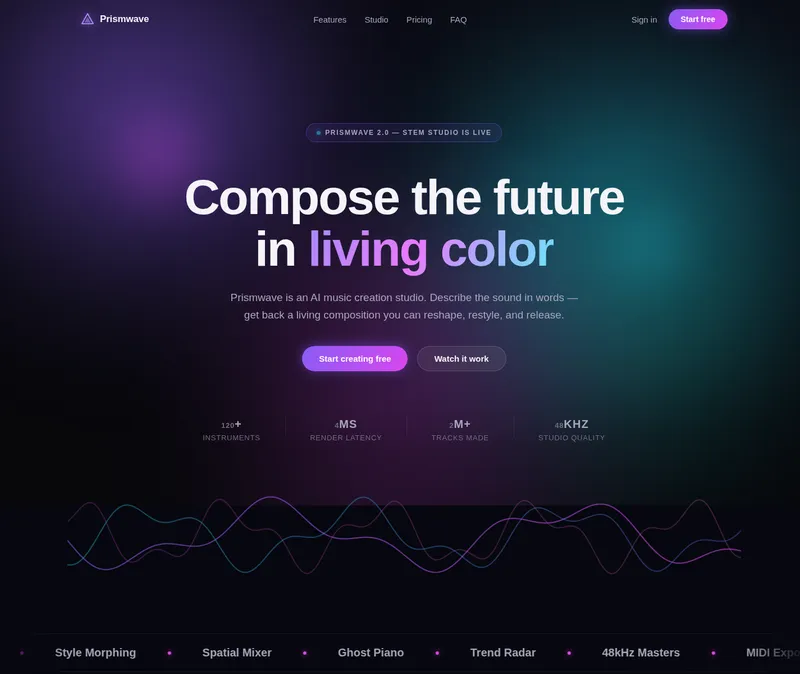
Aurora-Glass UI Design
Aurora-Glass UI Design
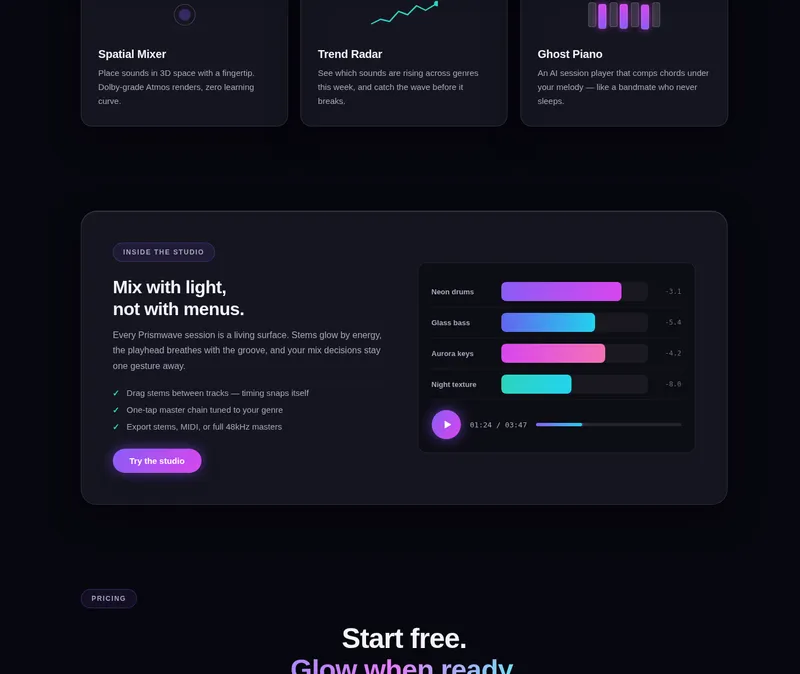
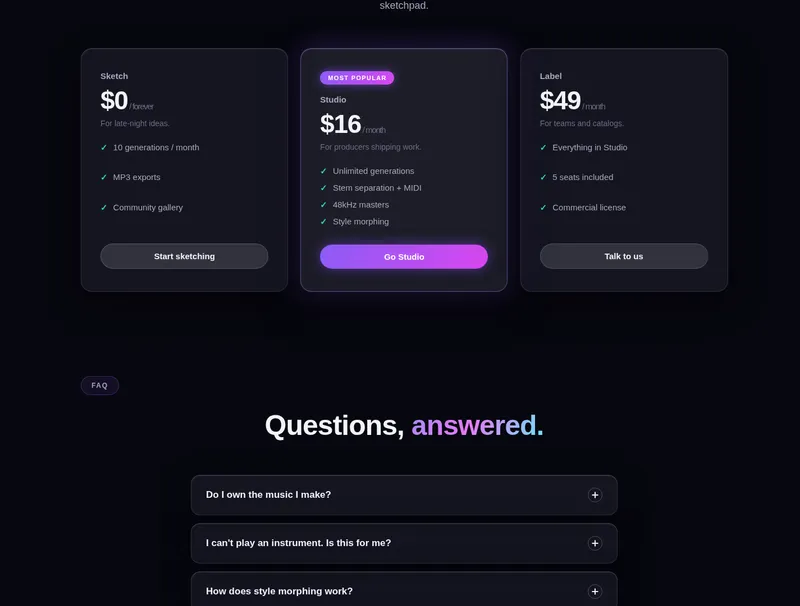
Dark, high-motion landing pages in the aurora-glass language — drifting multi-color aurora gradients, frosted-glass cards, glow CTAs, mouse parallax, canvas waveforms. Ships tokens, components, snippets, and an animated Prismwave demo.
Claude Code · Codex · Cursor · Copilot +3